Digital download · No physical item will be shipped.
PNG ARTWORK
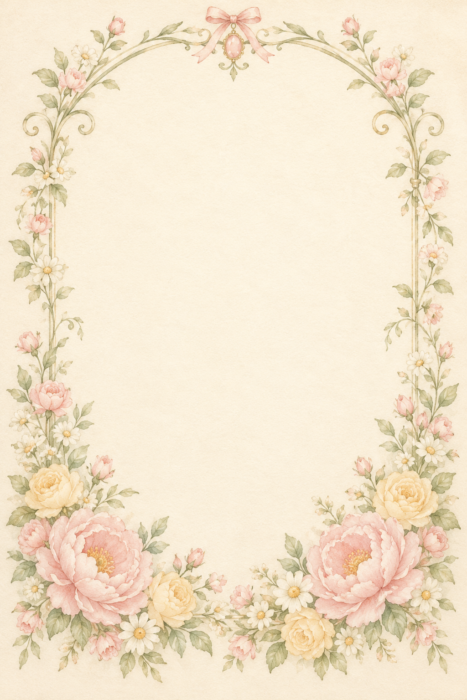
Free editable Peony Garden Arch Watercolor Background PNG | Soft Pastel Invitation Paper
Favorites are saved in this browser.
Description
Bring a gentle vintage mood to your next creative project with this Free editable Peony Garden Arch Watercolor Background PNG. The design features an elegant fine sage arched outline with curled shoulders and a tiny oval rose quartz ornament at…Read moreShow less
Bring a gentle vintage mood to your next creative project with this Free editable Peony Garden Arch Watercolor Background PNG. The design features an elegant fine sage arched outline with curled shoulders and a tiny oval rose quartz ornament at apex with a SMALL blush bow just above; blush peonies butter yellow roses and ivory daisies arranged as a gentle bottom crescent, smooth warm ivory center. A palette of blush pink and butter yellow, fine illustrative outlines and subtle watercolor paper texture creates a quiet, romantic setting while leaving a generous central area for your own wording.
WHAT IS INCLUDED
You receive one individual PNG background, measuring 1024 x 1536 pixels with embedded 300 DPI metadata. This Free editable Peony Garden Arch Watercolor Background PNG is a complete rectangular illustration with its own softly colored background and an opaque writing area. The artwork has no invitation wording, name, date or watermark, so you can build your own layout over the finished paper. Its portrait 2:3 proportions suit digital stationery and can be cropped to fit other layouts when needed.
CREATIVE IDEAS
Use the peony invitation background theme for invitations, announcements, digital greeting cards, coordinated event stationery, scrapbook pages, journal layouts and small keepsake designs. The spring wedding paper details pair naturally with simple serif lettering, restrained script accents and a clean text arrangement. Keep names, dates and smaller event details within the calm central space so the illustrated border remains easy to enjoy. Choose a final print size that suits the available pixel dimensions.
HOW TO PERSONALIZE
Import the Free editable Peony Garden Arch Watercolor Background PNG into Canva, Photoshop, Illustrator or another editor that supports PNG images. Place it behind your text, resize proportionally, and add separate wording, a photograph or other personal touches. Editable refers to arranging the PNG in your own design, resizing, cropping and adding new layers; the painted background, flowers, ribbons and characters are flattened together. Individual illustrated elements are not supplied as separate layers, and an editable text template is not included.
DIGITAL DOWNLOAD DETAILS
This is a digital image file, so no physical product will be shipped. Colors can vary slightly between screens, paper and printers. The 300 DPI setting is embedded metadata; the maximum print size at that density is approximately 3.41 x 5.12 inches. Larger output is possible with a lower effective pixel density. Save a copy of your original file before making changes and export your finished design using the settings needed for your project.
What you get
- Delivery
- Digital download. No physical item is shipped.
- Formats
- Original PNG
- Size
- 1024 × 1536 pixels
- Editable parts
- Artwork is one image. Text drawn into it is not separately editable.
- Transparency
- No
- Original file size
- 2 MB
Usage rights
Commercial use is allowed for physical end products you create and sell. You may not resell, share, redistribute or offer the original digital files as standalone downloads on any platform, whether free or paid.
Download help / Report a problem →More to explore
 Free
Free editable Blush Cascading Peony Bouquet PNG | Soft Watercolor Flower Clipart
 Free
Free editable Sunny Daisy Tulip Bouquet PNG | Soft Watercolor Flower Clipart
 Free
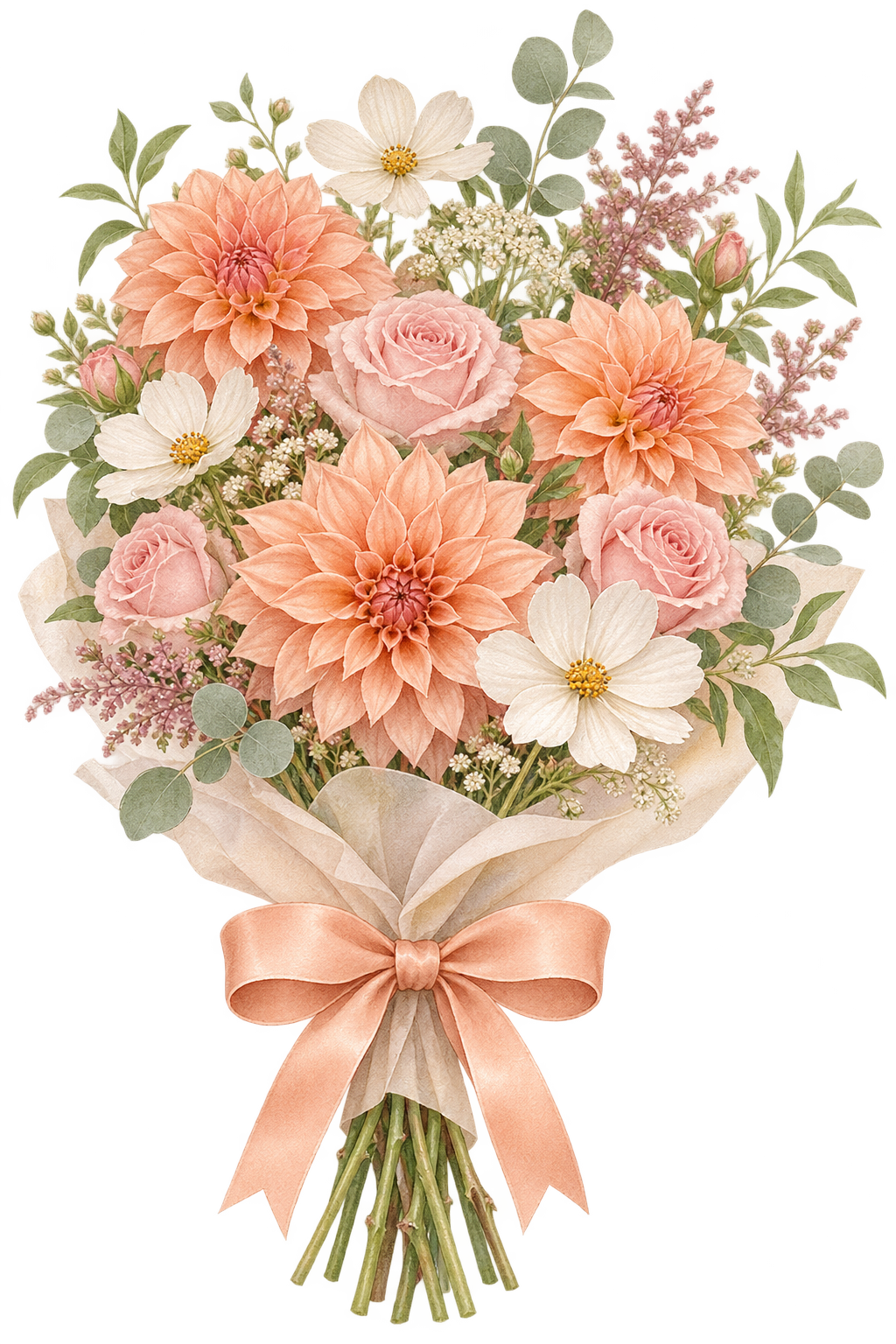
Free editable Peach Dahlia Garden Bouquet PNG | Soft Watercolor Flower Clipart
 Free