Free Invitation Maker: Create Digital and Printable Invites
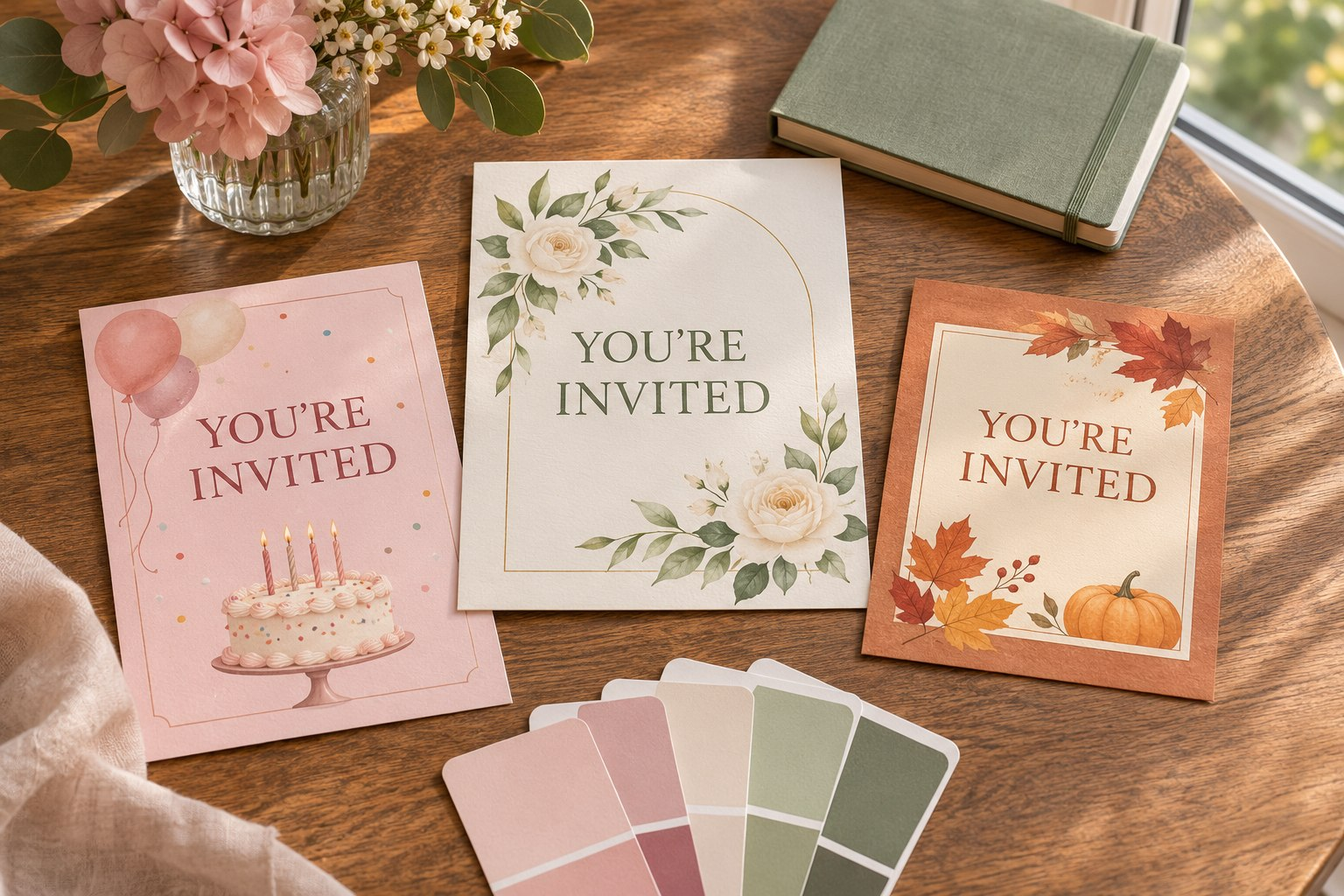
A free invitation maker helps you turn an event idea into a card you can download, share, or print. Choose a template, add the essential details, personalize the design, and check the finished file before sending it. A free digital invitation creator is especially useful when guests will receive their invitations by text, WhatsApp, or email.
The nicest invitation is often the easiest to understand. Guests should immediately see who is hosting, what is happening, when to arrive, and how to reply. This free invitation maker guide explains how to get those details right, choose suitable tools, and use Kikliy resources to bring everything together.
- For a quick start: browse Kikliy invitation templates.
- For personal photos: choose a free digital invitation creator with image upload and cropping controls.
- For guest responses: decide between a reply message, form, or hosted RSVP page.
- For printing: confirm the physical size and download a suitable file.
What Is a Free Invitation Maker?
A free invitation maker is a design tool that lets you create invitations using editable layouts, text, colors, and images. Some tools produce a downloadable card; others also provide an event page and guest management. Those are different services, so check what your event actually needs.
A free digital invitation creator usually focuses on invitations viewed on a screen. It may offer an image download, a shareable link, or an animated format. A simple family birthday might need only a card and a reply number. A larger gathering may benefit from organized responses and reminders.
Before committing to a free invitation maker, make a small test design and inspect its download options. A free digital invitation creator should fit your preferred sharing method as well as your visual style.
Which Free Digital Invitation Creator Should You Choose?
Start with the result you need. A free invitation maker for stationery is useful when you want control over appearance. A free digital invitation creator with guest tracking suits events where response management matters most.
| Option | Useful for | Check before choosing |
|---|---|---|
| Kikliy design editor | Templates, uploaded photos, text layers, PNG, JPG, and PDF exports | The selected design’s access conditions and final download |
| Canva | Custom layouts, photos, fonts, and shareable designs | Whether your chosen elements are free or premium |
| Adobe Express | Editable invitations with PDF, JPG, or PNG downloads | Free-plan assets and any printing charges |
| Evite Event Pages | Casual gatherings with a textable link and RSVP tracking | Guest visibility and the difference between Event Pages and Premium Invitations |
These providers describe different workflows on their official pages. There is no single free invitation maker that is automatically best for every host. Choose a free digital invitation creator by checking the finished experience your guests will receive.
Free Invitation Maker Checklist: Downloads, Watermarks, and Costs
“Free to design” does not always mean every asset or delivery option is free. Before spending time in a free invitation maker, check:
- Does the chosen template have a free or paid label?
- Can you export the file type you need without upgrading?
- Are any photos, fonts, animations, or backgrounds premium?
- Does the actual downloaded file contain a watermark?
- Are printing, postage, or optional delivery services charged separately?
For example, Canva explains that premium elements can trigger payment or a watermarked draft. Use free assets or your own permitted images. The same habit helps you evaluate any free digital invitation creator without an unpleasant surprise at export.
Step 1: Choose the Event, Size, and Template
Open your free invitation maker with a clear event in mind. Write down the guest list, date, venue, and mood before browsing designs. That little preparation makes choosing a template much easier.
- Birthday: choose a playful layout with room for an age or photo.
- Wedding or shower: prioritize names, timing, and a clear venue line.
- Halloween: include costume expectations and any age guidance.
- Dinner or potluck: explain what guests should bring.
For a free digital invitation creator, a portrait layout is a practical starting point for phone viewing. For a printed card, choose an envelope-compatible size first. A common option is 5 × 7 inches, but your stationery can be smaller or landscape.
Browse Kikliy’s editable invitation collection and select a layout with enough breathing room. Your free invitation maker should support the information, rather than force it into tiny lettering. Keep the free digital invitation creator project simple enough to update if plans change.
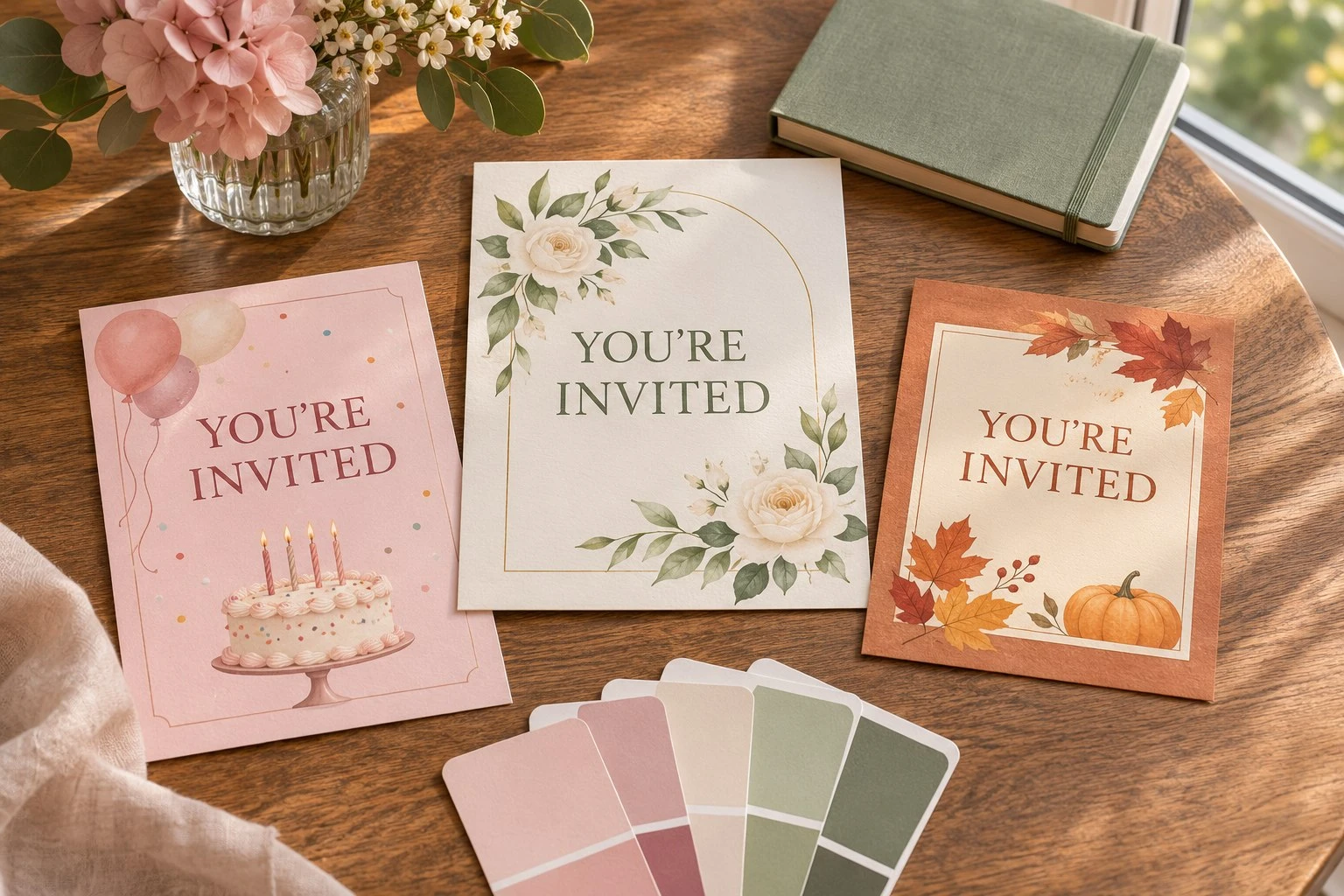
Step 2: Personalize the Wording, Photo, and Colors
A free invitation maker with photo upload is useful for milestone birthdays, engagement announcements, and family celebrations. Pick one sharp, well-lit image. A crowded collage often becomes difficult to read on a phone.
In Kikliy’s editor, the published controls include Add text and Upload photo / PNG, with a displayed limit of 10 MB per uploaded image. Font, color, size, and positioning controls let you arrange the design. This gives your free digital invitation creator workflow a personal starting point.
- Make the event name the most prominent line.
- Keep the date, time, location, and RSVP instructions together.
- Use one decorative font and one straightforward reading font.
- Place text over a calm background with clear contrast.
- Check that cropping does not cut off faces or meaningful details.
Use the original photo whenever possible; a screenshot can look soft. Preview your free invitation maker design at normal phone size. A free digital invitation creator should produce something guests can understand without zooming.
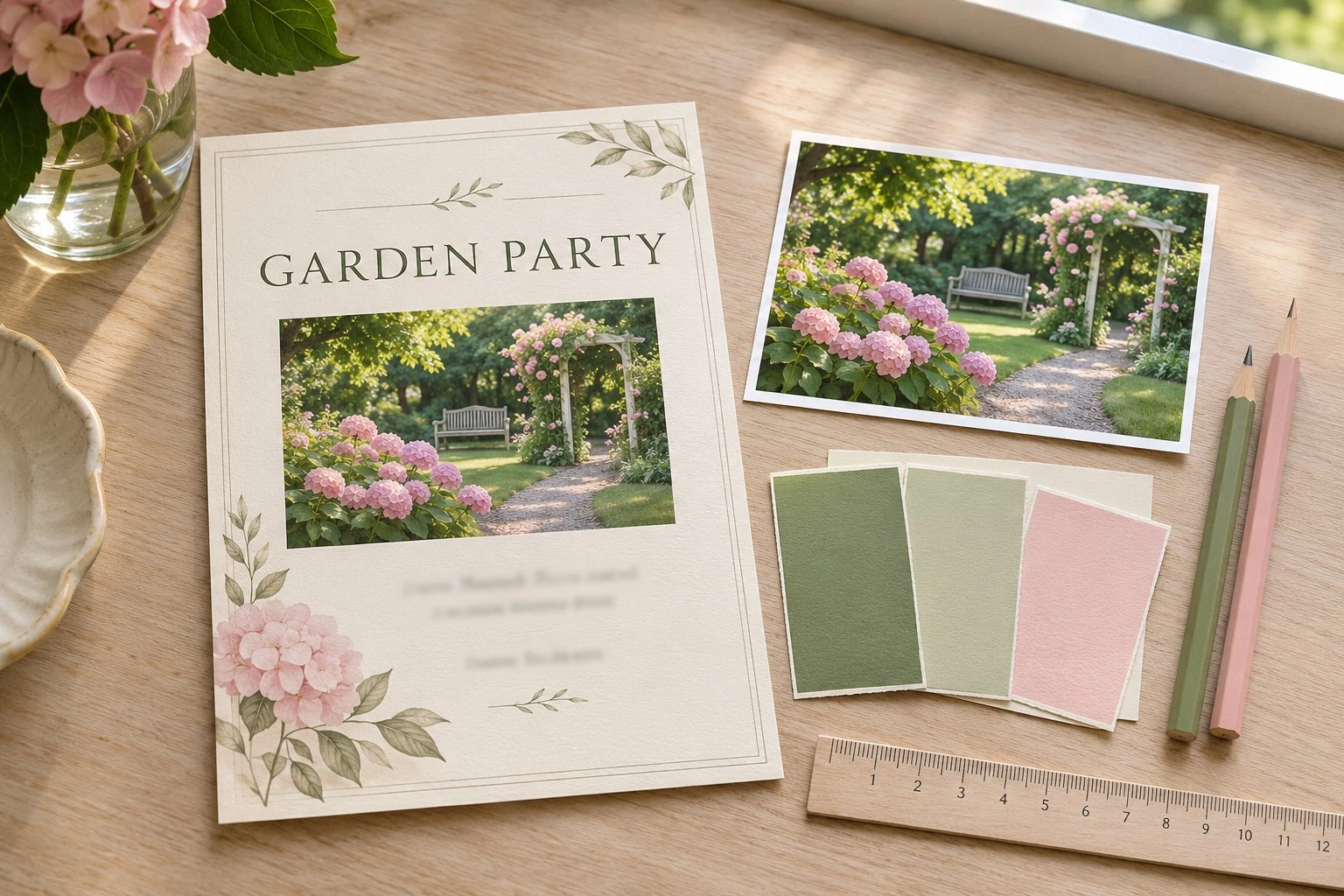
Step 3: Add a Clear RSVP Method
An RSVP line tells guests how and when to respond. Your free invitation maker can include that instruction even when it does not manage a guest list. Choose one response method to avoid collecting answers in several places.
Free Digital Invitation Creator RSVP Options
- Text or WhatsApp: provide a host contact and response deadline.
- Email: ask for the guest’s name and number attending.
- Form: collect attendance, party size, and relevant meal preferences.
- Hosted event page: use a service that explicitly offers RSVP tracking.
A free digital invitation creator that exports an image does not automatically make printed buttons clickable. Put the response link in the accompanying message. If using a QR code, test it and include a readable alternative.
Google’s Forms guidance explains publishing and copying a responder link; check responder access before sharing. For integrated replies, Evite describes RSVP tracking on its Event Pages. Whatever free invitation maker you choose, test the response route from a guest’s perspective.
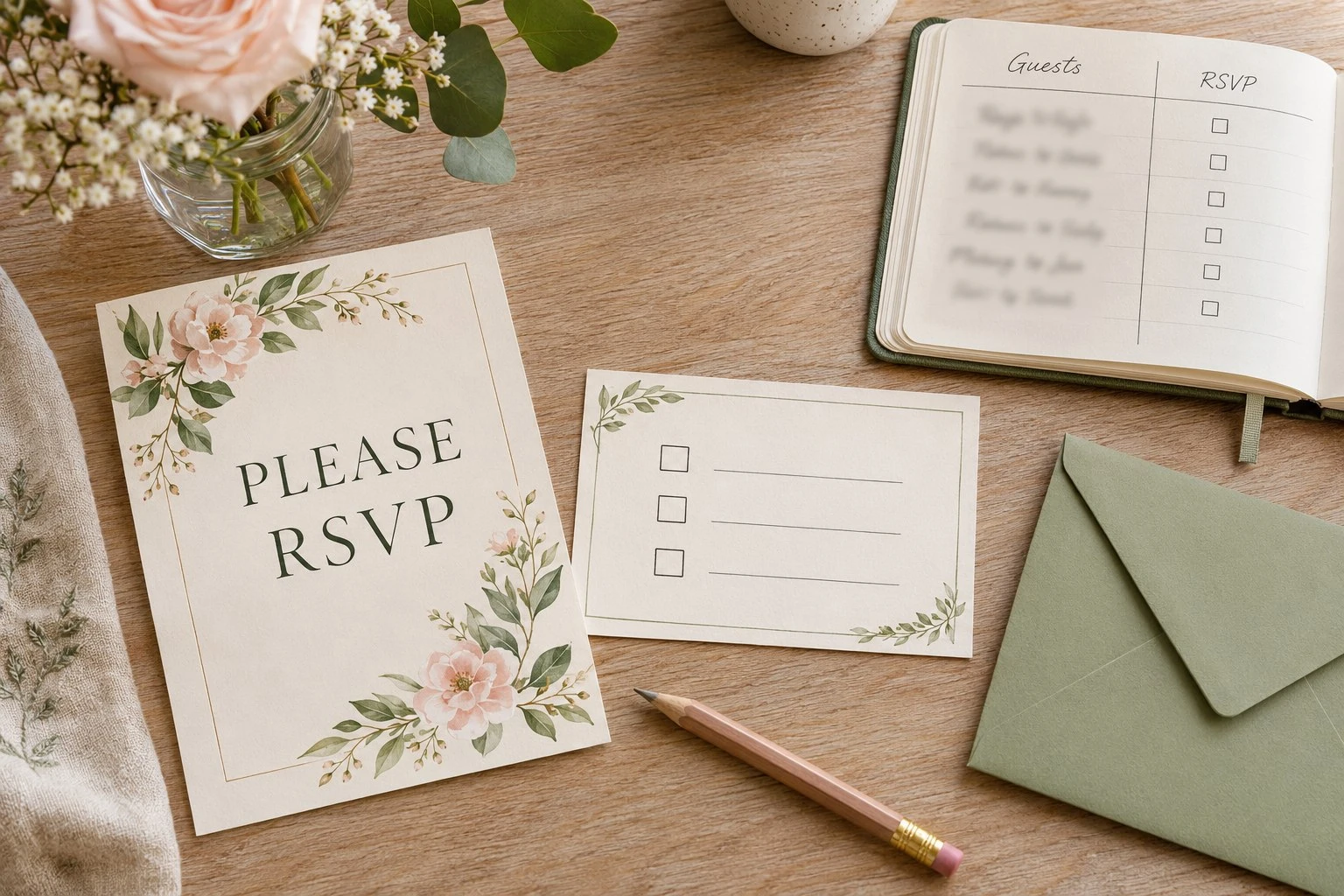
Step 4: Proofread and Download the Right File
Before downloading from your free invitation maker, ask another person to check names, spelling, date, venue, and contact details. Read the invitation aloud. Missing information often becomes obvious when you imagine a guest planning the journey.
| Format | Practical use | Remember |
|---|---|---|
| PNG | Cards with crisp lettering and graphics | Can be larger than JPG |
| JPG | Photo-heavy cards and convenient image sharing | Repeated compression may reduce quality |
| Printing at a specified page size | Confirm dimensions and printer settings |
Kikliy displays PNG, JPG, and PDF exports, with a 300-pixels-per-inch export note. Its interface also states that JPG and PDF use a white background. Review the selected options in your free digital invitation creator before saving.
Open the downloaded file outside the editor. A free invitation maker preview can look different from a compressed attachment. Keep an editable copy or draft where available, plus the final export from your free digital invitation creator.
Step 5: Share by Text, WhatsApp, or Email
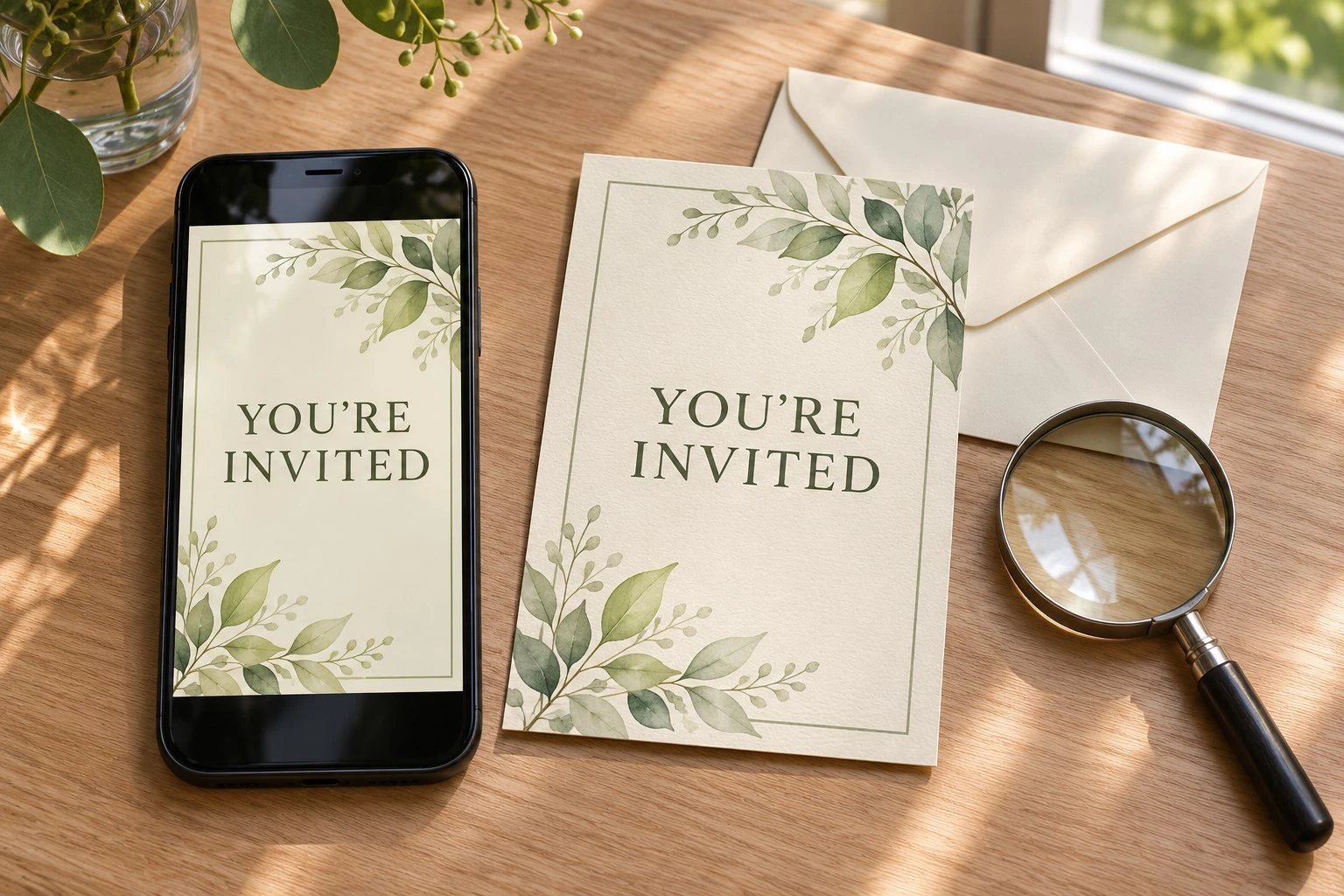
A free digital invitation creator is most useful when the invitation reaches guests in a format they already use. Attach the image or share the intended guest-facing link, then add a short message with the key details.
Try this accompanying text: “We’d love to celebrate with you! Please see the invitation for the date and venue. Reply by Friday with your name and how many people are coming.”
- Send your free invitation maker file to yourself and open it on your phone.
- Repeat the date, location, and RSVP link in ordinary message text.
- Check that guests receive the final card rather than an editing link.
- Send home addresses privately and use BCC for appropriate group emails.
- Keep a simple response list and follow up with unanswered invitations.
Your free invitation maker does not need to send messages itself. You can download the design and attach it through your usual messaging service. Avoid sending several competing versions from your free digital invitation creator; clearly identify any corrected invitation.
Step 6: Print a Test Invitation at Home
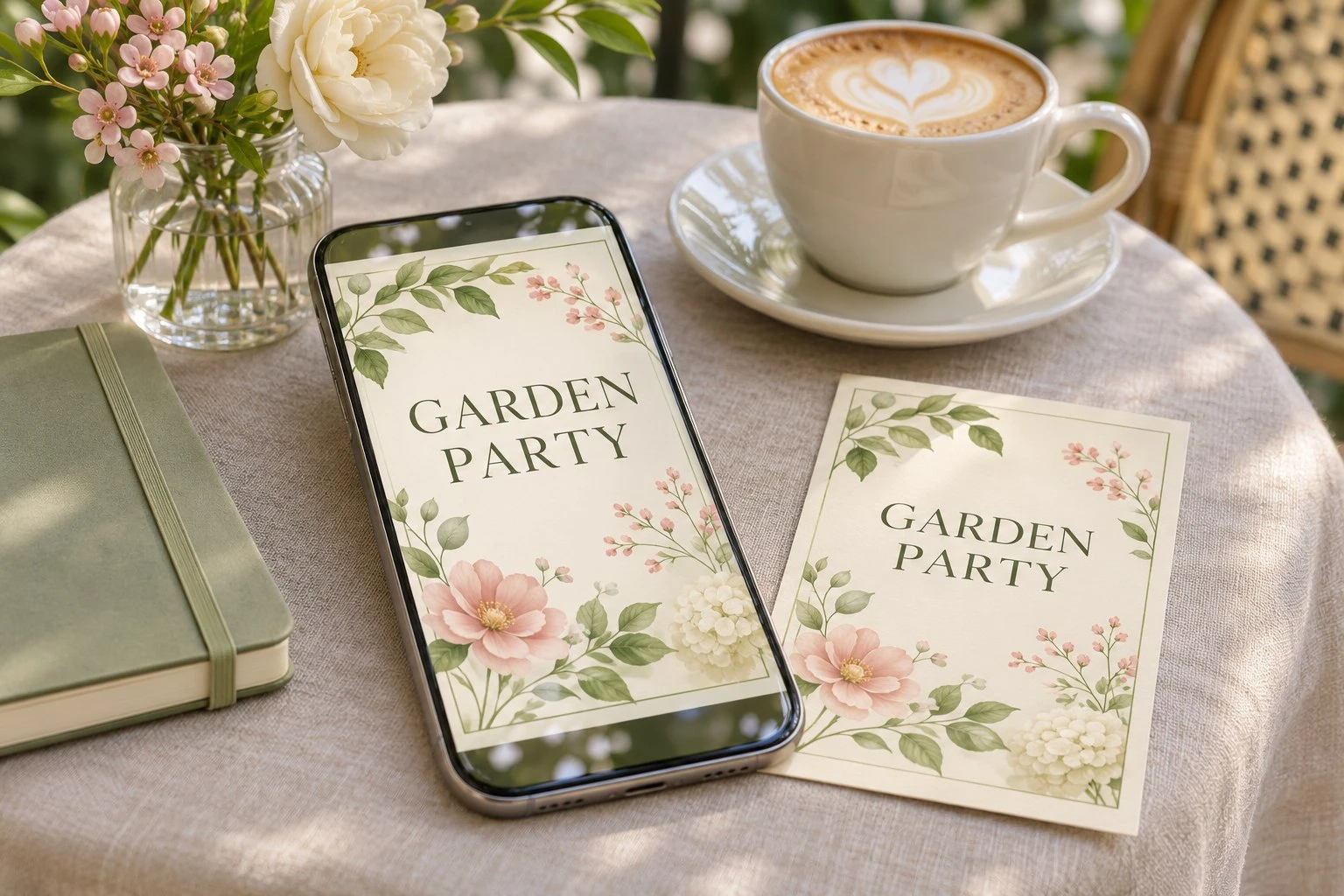
For a printable free invitation maker project, choose the finished size before buying paper. Check your printer’s supported paper weight and feed instructions. Print one proof from your free invitation maker on ordinary paper first.
- Open the print-ready file and confirm its page dimensions.
- Select the intended paper size and check the print preview.
- Use actual-size printing when the file is already correctly sized.
- Measure the proof and inspect small lettering and photo clarity.
- Print on suitable cardstock, allow drying, then trim and assemble.
For a 5 × 7-inch image at 300 pixels per inch, the dimensions are 1500 × 2100 pixels. Adobe recommends 300 PPI for print unless the printer requires another value. Enlarging a small image cannot restore missing detail.
A free digital invitation creator can provide both screen and print versions. Keep important text away from trimmed edges, and ask a print shop about bleed before exporting from your free invitation maker.
Explore Kikliy Invitation Templates
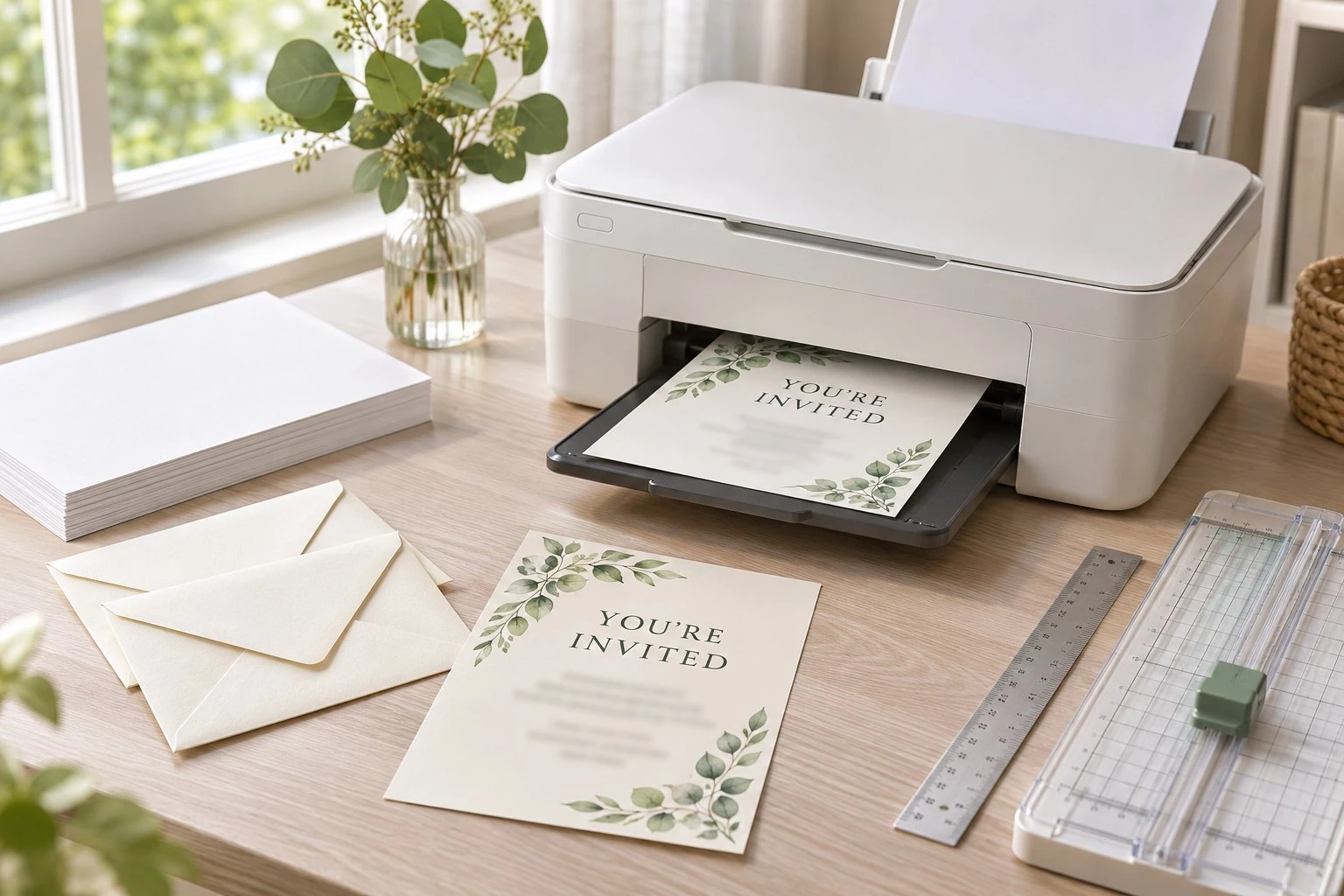
A template gives your free invitation maker project a head start. Compare the space available for text, the event theme, and the position of decorative artwork. Choose a design because it fits your details, rather than only because its colors look pretty.
The previews below link to actual Kikliy designs. Open a product page to review its current editing and download options before using it in your free digital invitation creator workflow.

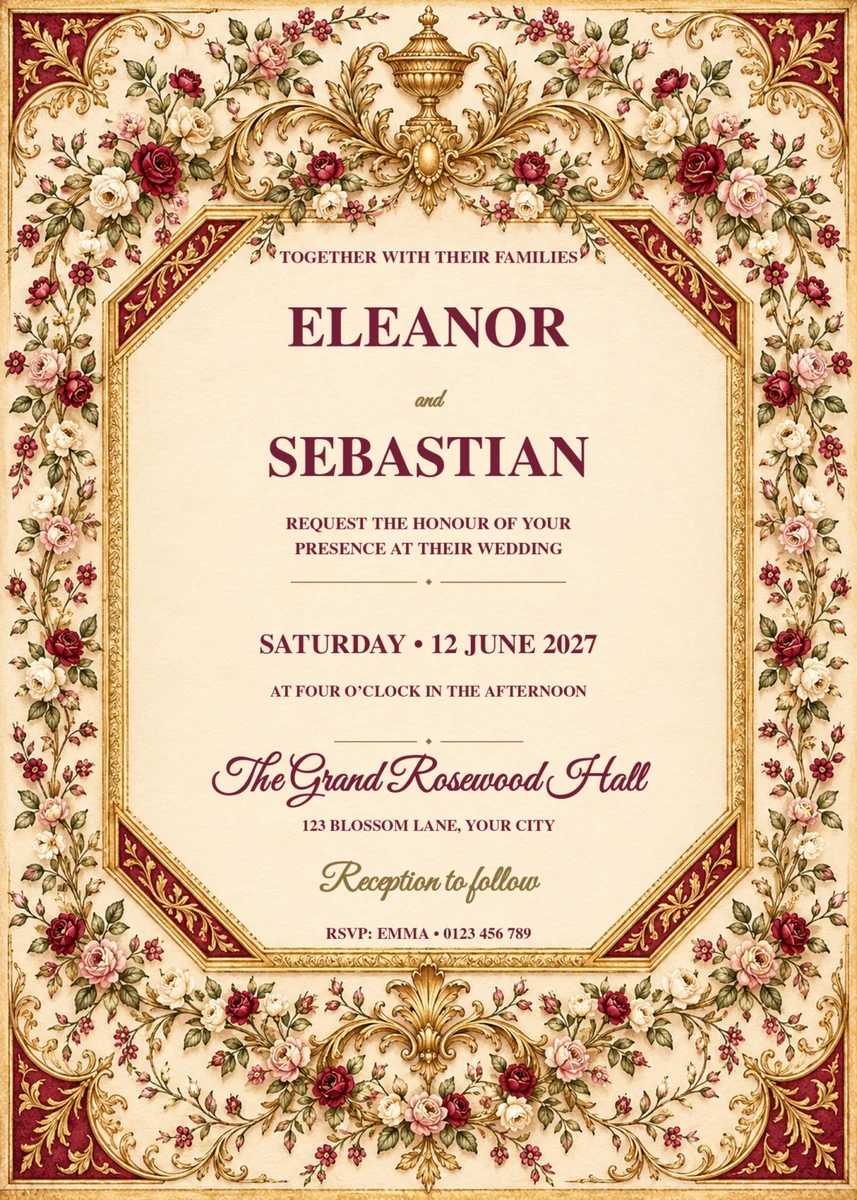
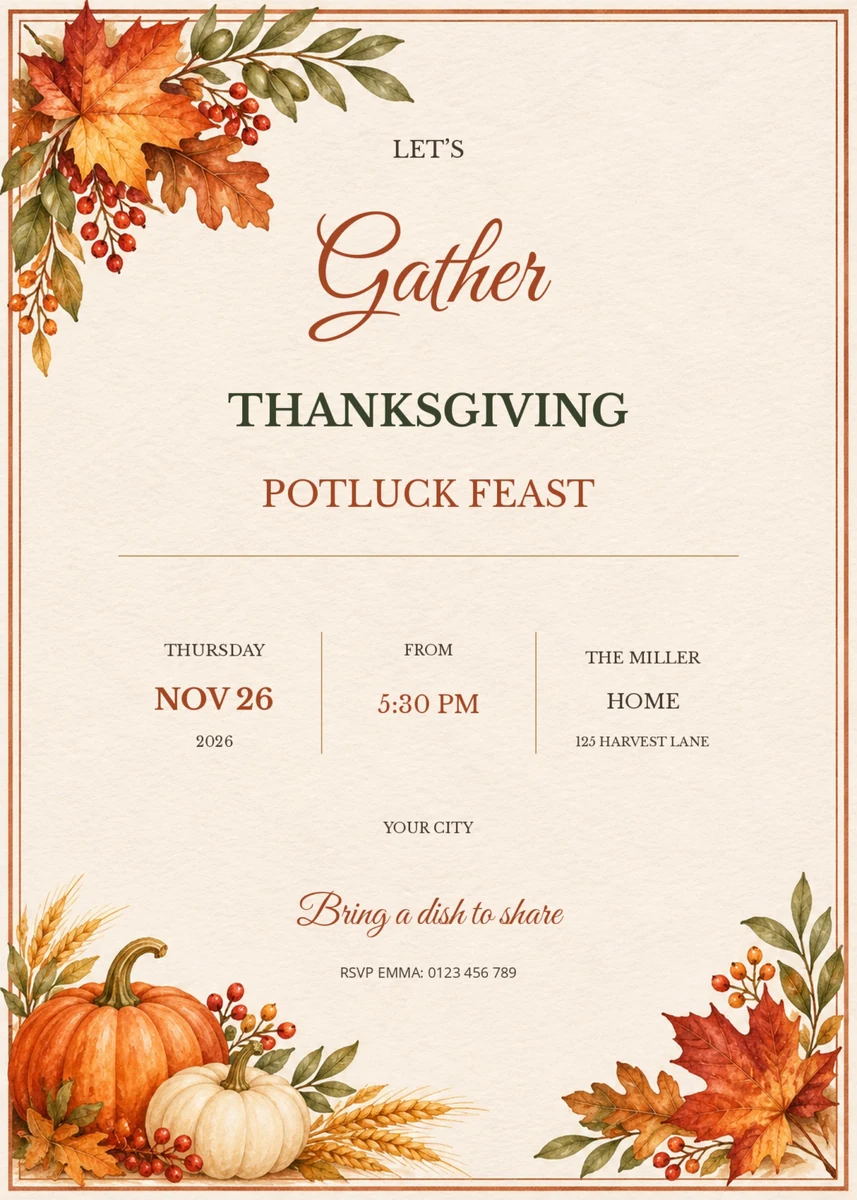
For more styles, visit the full invitation template collection. Keep your free invitation maker design consistent with any menus, welcome signs, or thank-you cards you plan to create.
Add Matching PNGs and Coloring Pages
Use Kikliy PNG graphics to personalize a free invitation maker layout with a floral detail, frame, or party accent. Check the downloaded asset and its usage conditions. A preview may include a display background even when the downloadable artwork is transparent.


For a family gathering, Kikliy coloring pages can become a separate activity for the children’s table. These pages complement the event; they do not need to crowd the invitation.
A free digital invitation creator works best with a restrained design. Match one or two colors across the invitation and activity sheets. Give your free invitation maker enough blank space to keep the practical details easy to find.
Mobile App, Browser, or Local Invitation Designer?
A browser-based free invitation maker is convenient for an occasional event because you can begin from a website. An app may suit frequent projects if you prefer its touch controls and saved-design workflow. Check the free digital invitation creator export options rather than assuming every mobile feature matches the desktop version.
Test your free digital invitation creator on the device you will use. Can you select text accurately, upload a photo, and locate the downloaded file? A larger screen can make precise spacing easier in a free digital invitation creator.
If you search for a designer “near me,” consider whether you need custom illustration, specialist printing, or someone to manage the project. For a straightforward card, a free invitation maker may be enough. For complex stationery, a designer can save time. A free digital invitation creator is a practical starting point for deciding what help you need.
Can You Make a Video Invitation?
Yes, but choose a free digital invitation creator that explicitly supports video. A downloadable invitation image is a still file. Animation, audio, and video export require suitable editing features.
Adobe Express describes a dedicated invitation video maker with templates, text, and audio options. Review the selected assets and plan conditions. You can also begin with a card from your free invitation maker and use an appropriate video tool for the animated version.
In your free digital invitation creator, keep the details visible long enough to read, and send a still image or plain-text version alongside the video. Guests should not need sound to understand an invitation from your free digital invitation creator.
Invitation Wording You Can Adapt
Prepare the wording before opening your free invitation maker. Replace every placeholder with your details in the free digital invitation creator.
- Birthday: “You’re invited to celebrate [name] turning [age]! Join us on [date] at [time], [venue]. RSVP to [host] by [deadline].”
- Dinner: “Good food, good company, and a place for you. Join our dinner on [date] at [time]. Please reply by [deadline].”
- Halloween: “Join our costume party on [date] at [time], [venue]. Costumes welcome! Please RSVP by [deadline].”
For a potluck, add a dish sign-up instruction. For a wedding, state who is invited clearly. Your free digital invitation creator should leave room for the information guests actually need.
Common Invitation Problems and Simple Fixes
- Blurry photo: upload the original image to your free invitation maker and avoid enlarging a tiny crop.
- Watermark or payment prompt: review premium elements and replace them with eligible free assets.
- RSVP link fails: test responder access outside your signed-in session.
- Text looks cramped: shorten the message and move extra instructions into the accompanying note.
- Wrong print size: check document dimensions and scaling before another test.
- Guests miss an update: send a clear correction through the original delivery channel.
Most free invitation maker problems become easier to fix when you test the exported card early. Save a final version from your free digital invitation creator with a clear filename so you can find it again.
Frequently Asked Questions
What Is the Best Free Invitation Maker Online?
The best free invitation maker depends on whether you need a printable card, a photo layout, or guest tracking. Compare those features first. Try Kikliy for editable design resources, then test the download. A free digital invitation creator should match your event, budget, and guests’ devices.
Can I Create an Invitation with My Own Photo?
Yes, choose a free invitation maker with image upload. Use a clear photo you have permission to share, check the crop, and leave room for text. In your free digital invitation creator, preview the result on a phone before sending it.
Can I Make Invitations for Text Messages?
Yes. Export a suitable image from your free invitation maker and attach it to your message, or use a guest-facing event link. A free digital invitation creator does not need built-in texting for this workflow. Include the RSVP instruction in the message itself.
How Can I Download Invitations Without a Watermark?
Use eligible free templates, graphics, and personal uploads, then inspect a test download. A free invitation maker may include premium assets even when editing is free. Check your free digital invitation creator export before sending; resolve any licensing or payment requirement through the provider.
Do Guests Need an App to Open a Digital Invitation?
A standard image normally opens in the recipient’s messaging or photo app. Browser event pages depend on the service. Check the guest experience of your free digital invitation creator. Share the essential information in plain text if someone cannot open your free digital invitation creator file.
Does Every Free Digital Invitation Creator Track RSVPs?
No. A free invitation maker may only create the card. Automatic attendance tracking alongside your free invitation maker requires a hosted RSVP service or a separate form workflow. Confirm that feature in your free digital invitation creator, and always give guests a clear response deadline.
Create an Invitation Guests Can Use
Choose a free invitation maker that makes your event details easy to read and your final card easy to share. Start with Kikliy invitation templates, personalize the wording, add a photo or matching artwork, and test the finished download.
Before sending, confirm the date, venue, response method, and final file. With those details settled, a free digital invitation creator can help you send a thoughtful invitation without turning a simple celebration into a complicated design project.