Free Online Invitation Maker: 7 Easy Steps to Stunning Cards
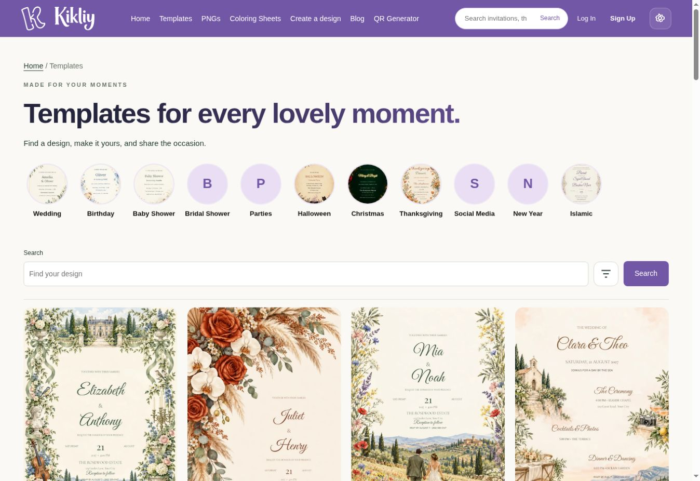
A free online invitation maker helps you turn an event idea into a personalized card without designing everything from scratch. Choose a layout, add the celebration details, check the finished design, and download a file to share with guests.
If you want to use a digital invitation maker free of charge, begin with clearly labelled free designs. Kikliy brings invitation maker and card design resources together through editable templates, transparent PNGs, a browser based Design Studio, and printable coloring sheets for party activities.
This guide answers practical questions about cost, editing, WhatsApp sharing, printing, and RSVPs. Follow seven steps to create an invitation that looks coordinated and gives guests the information they need.
What can a free online invitation maker do?
A free online invitation maker gives you a starting layout and tools for personalizing it. You can arrange a heading, event information, and decorative artwork without hiring someone for every small change. The result might be a downloadable image, a printable document, or a hosted invitation, depending on the service.
When comparing invitation maker and card design tools, distinguish editable text from artwork. Names and dates may be separate text layers, while flowers, characters, and lettering inside a background image remain flattened together.
Choosing a digital invitation maker free of charge does not automatically include every premium template or guest management feature. Check the selected item's description before spending time on a design. Kikliy's catalogue includes both free and paid items, with an Access filter for finding free options.
1. Choose your occasion and a free template
Start your free online invitation maker project with the event itself. A wedding needs different wording from a children's birthday, baby shower, or relaxed dinner. Choose an illustration style that suits both the occasion and the amount of information you need.
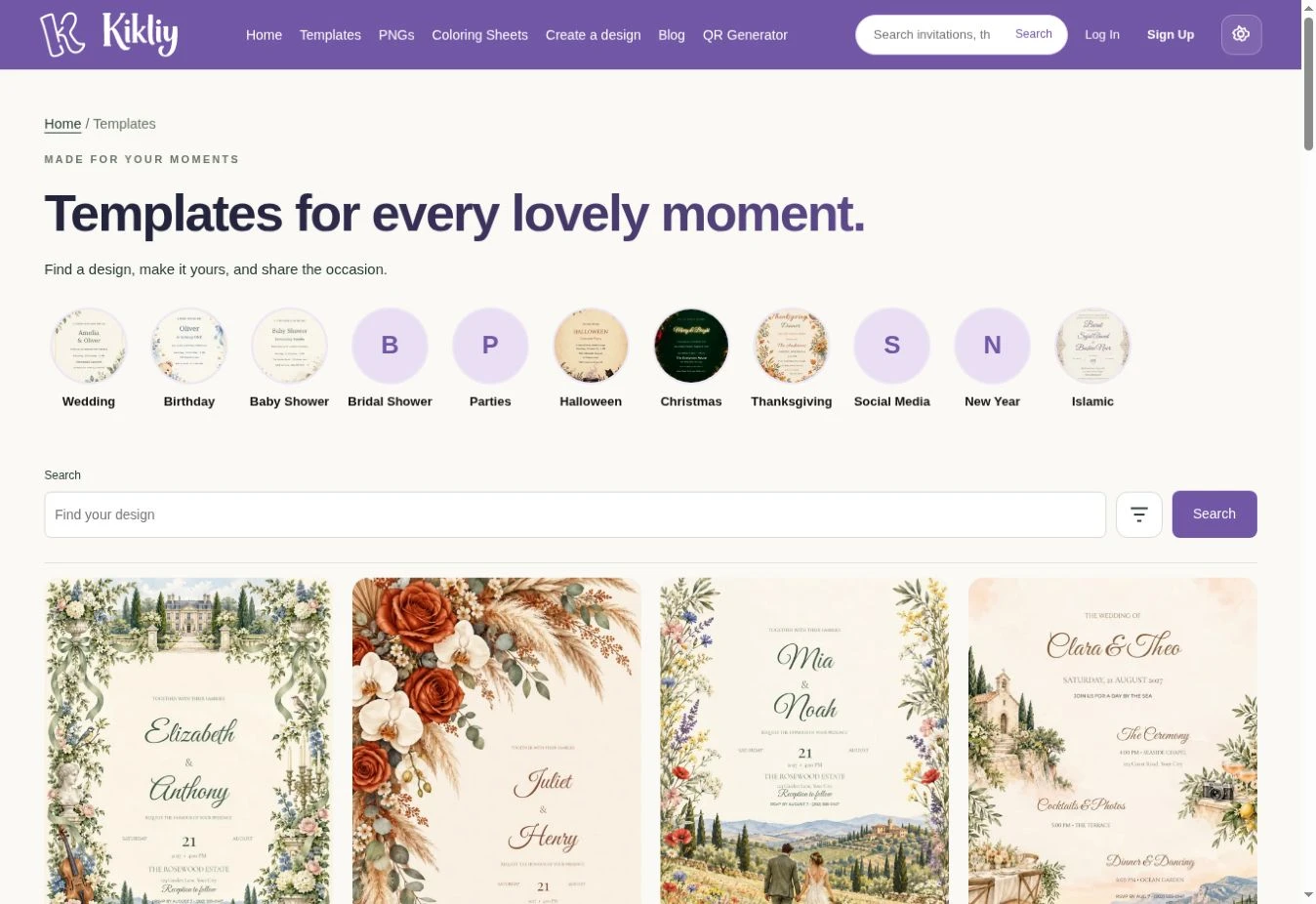
Open Kikliy Templates and browse the occasion categories. Use the Free option in the Access filter. This keeps your digital invitation maker free selection focused on designs you can actually use within your budget.
The best invitation maker and card design choice is one that already accommodates your wording. Look for a large name area, a clear date section, and enough room for the venue. Do not squeeze a long address into a tiny decorative label.
Before choosing a free online invitation maker template, read which elements are editable. Match the available layout to your needs, rather than expecting every painted detail to move separately.
2. Use a Digital Invitation Maker Free of Charge
Prefer a custom arrangement? Open Create a Design to start with the canvas. The free online invitation maker workflow gives you a place to build your layout instead of working around a finished background.
Decide whether the invitation will be viewed mainly on phones or printed. A portrait card suits many celebrations. For a five by seven inch print at 300 pixels per inch, the finished image needs 1500 by 2100 pixels; a DPI label alone cannot create missing detail.
Using a digital invitation maker free of charge still calls for planning. Write the details first and decide where the title, names, date, and address belong. Your invitation maker and card design process becomes easier when the content is settled before decoration begins.
A free online invitation maker can save layout time, but a clear plan saves editing time. Keep important details comfortably inside the edges so trimming or sharing does not obscure them.
3. Invitation Maker and Card Design in Design Studio
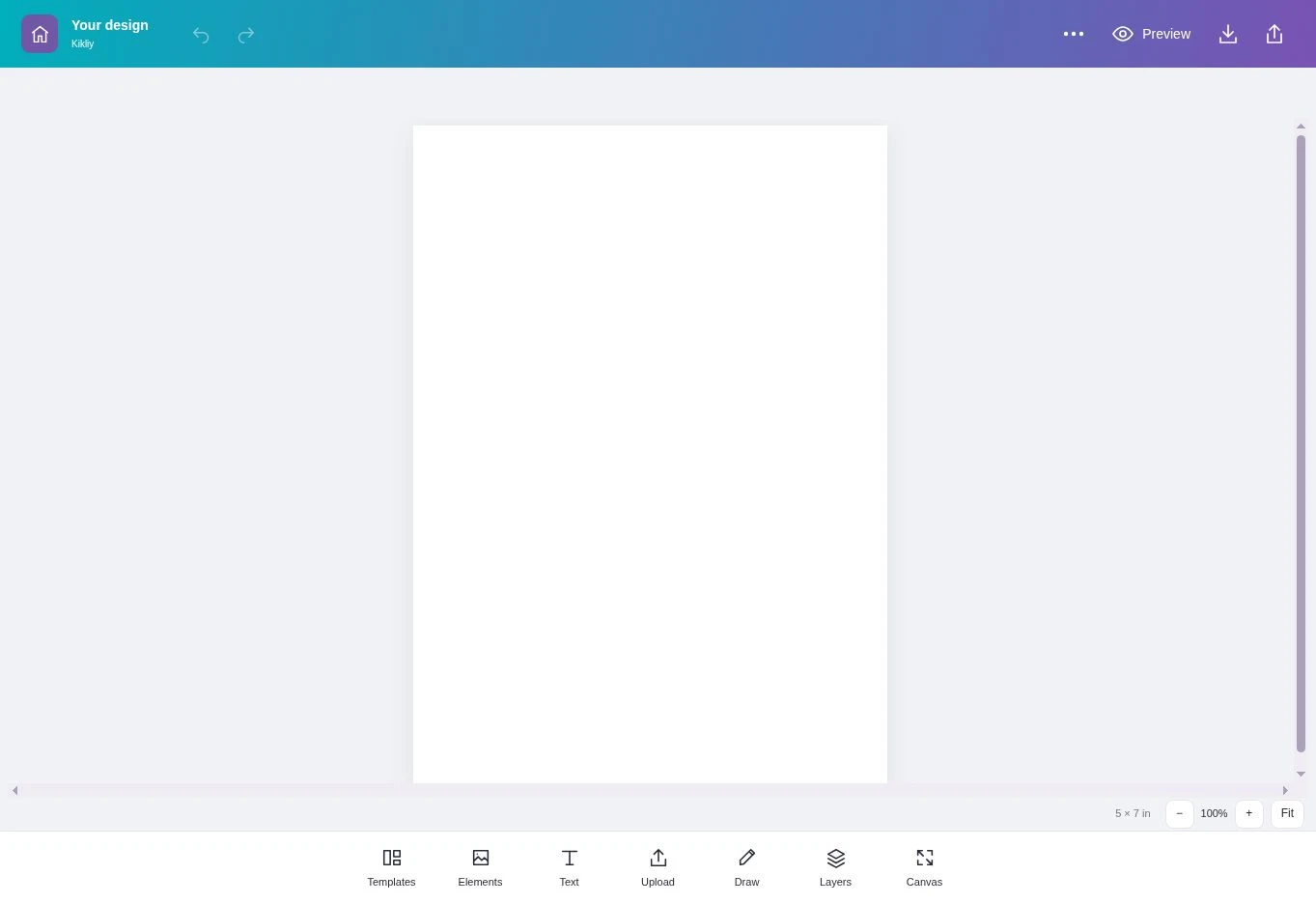
In Kikliy Design Studio, the visible tools include Templates, Elements, Text, Upload, Draw, Layers, and Canvas. Use the free online invitation maker text tools to introduce your event, then organize the details into short, readable groups.
Put the honoree or couple's names in a prominent position. Follow with the date, time, venue, and RSVP information. Use a decorative font for the heading and a simpler font for smaller details. Two coordinated fonts are usually easier to manage than several competing styles.
To keep your digital invitation maker free project polished, check the preview after changing wording. Longer names may wrap differently. Invitation maker and card design choices should support reading, especially for guests opening the card on a small phone.
Do not assume text embedded inside a PNG is editable. A free online invitation maker works most flexibly with separate text layers. Review the product description when selecting an illustrated template.

4. Add PNG decorations that match
Browse Kikliy PNGs for floral borders, frames, balloons, and other decorative elements. A free online invitation maker becomes more personal when you choose artwork that connects with your celebration instead of filling every corner with unrelated images.
Choose one main decoration and one supporting accent. For example, a botanical border can accompany an elegant wedding heading, while balloons can frame a birthday name. Keep decorative elements away from the address and RSVP line.
When using a digital invitation maker free of charge, check each PNG's access label and usage terms. Invitation maker and card design resources may have different permissions, even when downloading costs nothing.
Preview transparent artwork against your actual background. Pale flowers can disappear on white, and dark outlines can become hard to see on navy. Your free online invitation maker design should remain readable with the decorations included, not only before you add them.

5. Add matching coloring sheets for children
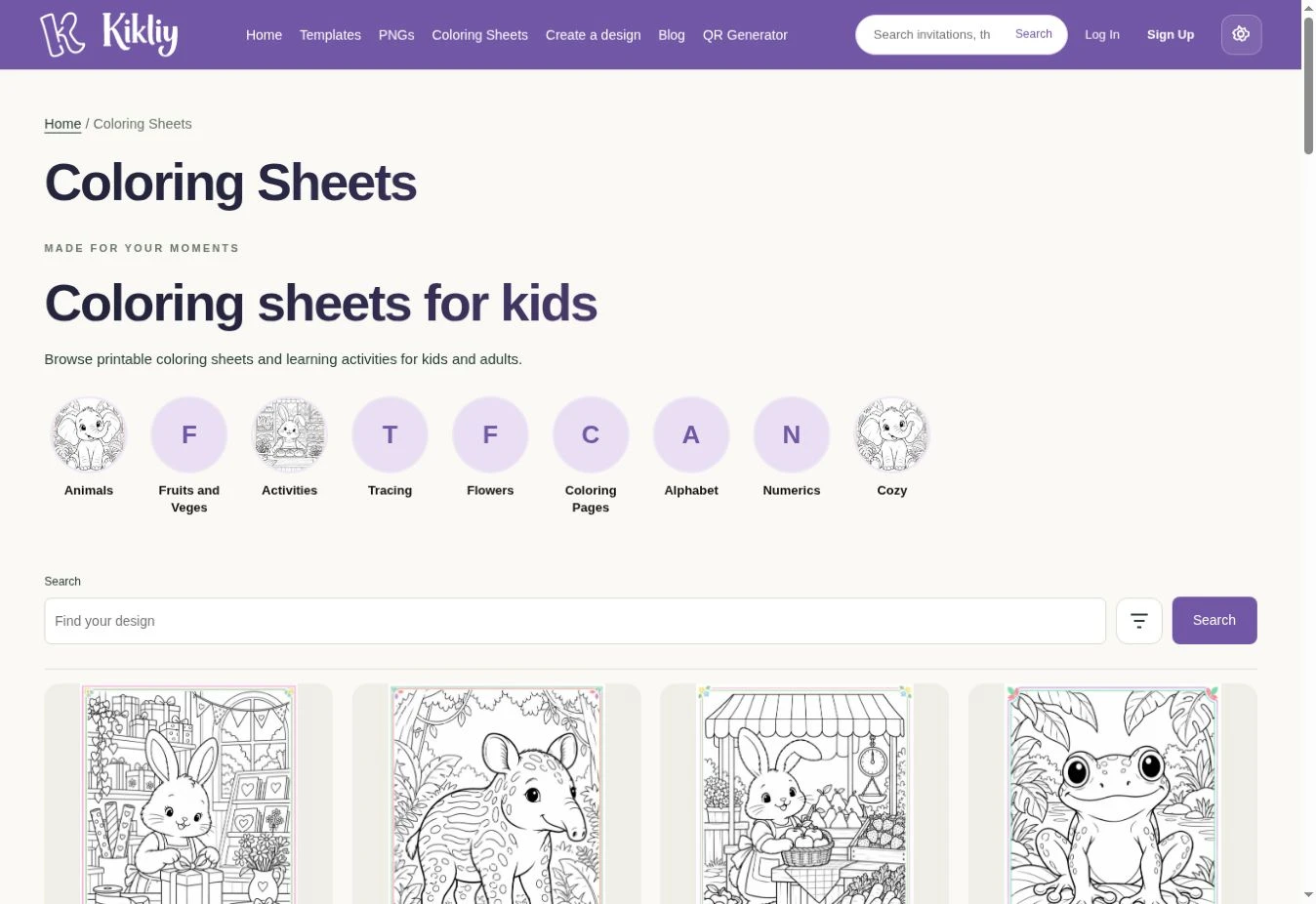
An invitation announces the party; activities help guests enjoy it. After finishing your free online invitation maker design, explore Kikliy Coloring Sheets for printable pages that suit the children's interests and ages.
Choose animals for a jungle birthday, cozy scenes for a quiet activity table, or simple learning sheets for younger guests. Keep coloring pages separate from the invitation so essential event details remain easy to find.
A digital invitation maker free workflow can support a coordinated celebration without putting every resource on one card. Use matching colors in signs or table decorations while leaving plenty of open space for children to color.
Think beyond invitation maker and card design decoration: print a test sheet, provide suitable crayons, and check that lines remain clear. The free online invitation maker sets the theme; the activity sheets give children something enjoyable to do when they arrive.
6. Proofread, preview, and download
Before downloading from a free online invitation maker, read the card as if you were a guest. Can you immediately identify who is celebrating, when to arrive, where to go, and how to respond?
Check names, spelling, the calendar date, AM or PM, the complete address, and the RSVP deadline. Ask another person to read it too. Familiar wording can hide mistakes that a fresh reader notices immediately.
When using a digital invitation maker free of charge, confirm the download requirements before your deadline. Kikliy may ask you to sign in or create a free account. Available formats and editable elements should be checked on the selected design.
Good invitation maker and card design preparation includes opening the downloaded file itself. A free online invitation maker preview is useful, but the exported image or PDF is what guests and printers receive. Inspect that file before making multiple copies or sending it widely.
7. Share your invitation and collect replies
Send the finished free online invitation maker file through your preferred messaging app or email. Include a short text message with the date and location so guests can find those details without reopening the picture.
If you used a digital invitation maker free of charge to download an image, remember that the image does not automatically collect RSVPs. Add a reply number, email address, or a separate response form link that you have tested.
For invitation maker and card design sharing, send one test message to yourself first. Check image clarity, spelling, and any accompanying link. Share private event details directly with invited guests rather than posting a home address publicly.
A free online invitation maker also makes future corrections easier to prepare. However, a downloaded image already sent to guests will not update itself. Send the revised file with a clear note explaining what changed.
Free online invitation maker questions answered
Can I make invitations online for free?
Yes, a free online invitation maker can offer free templates and editing. To use a digital invitation maker free of charge, choose free assets and check export conditions. Invitation maker and card design services differ, so do not assume premium features are included.
Do I need design experience?
No. Start with a free online invitation maker template that already has a clear hierarchy. A digital invitation maker free workflow is easiest when you replace sample details first. Learn invitation maker and card design basics gradually: readable text, consistent alignment, and restrained decoration.
Can I make birthday and wedding invitations?
A free online invitation maker can suit both events when appropriate templates are available. Explore the relevant Kikliy categories. Using a digital invitation maker free of charge does not mean choosing one generic style; invitation maker and card design options should reflect the celebration.
Can I send invitations on WhatsApp?
Yes, share a compatible downloaded file from your free online invitation maker through WhatsApp. Test the message before sending it widely. A digital invitation maker free download does not guarantee automatic RSVPs; invitation maker and card design files still need clear response instructions.
Which file is better for printing?
A PDF is often convenient when your free online invitation maker offers print export. Ask your printer about size and bleed. For a digital invitation maker free print project, inspect resolution carefully. Invitation maker and card design quality depends on the actual exported artwork.
Can I edit names, dates, and venue details?
Choose a free online invitation maker template with editable text layers. On Kikliy, check the item's editable parts before starting. A digital invitation maker free option may include fixed background artwork; invitation maker and card design text inside a flattened image cannot be edited separately.
Is signing up necessary?
Account requirements vary by free online invitation maker. Kikliy may require sign in before downloading, so allow time for registration. A digital invitation maker free account is different from a paid subscription. Check invitation maker and card design access labels instead of assuming every item is free.
Can I collect RSVPs automatically?
Only if your free online invitation maker includes a response system or you connect a separate form. Do not assume that feature from an image download. A digital invitation maker free file can show response instructions; invitation maker and card design alone does not track guests.
Can I use these designs commercially?
Read the selected item's terms before using a free online invitation maker for paid work. Free access does not establish unrestricted rights. A digital invitation maker free asset may prohibit redistribution; invitation maker and card design permissions can distinguish finished physical products from original digital files.
How can I make the card easier to read?
Keep free online invitation maker details concise and use strong text contrast. Review W3C's guidance on text contrast for helpful principles. In a digital invitation maker free project, invitation maker and card design decoration should never hide the essential event information.
Start your next celebration with Kikliy
Choose a template or open Design Studio to begin. Add coordinated PNGs, prepare an activity sheet if children are attending, and check the exported result. A thoughtful invitation helps guests arrive informed and ready to celebrate.
Try a free online invitation maker for your next celebration.